



Pecan Stuffed Mushrooms
If you need a quick and easy-to-make appetizer, serve some savory stuffed mushrooms! This recipe uses simple ingredients that may... Read more


A Renfroe account helps you check out faster by securely saving your information for future purchases. No need to re-enter your details each time. It’s the easiest way to enjoy a quicker, smoother shopping experience every time.
With a Renfroe account, you can easily view your order history anytime. Whenever you are reordering tasty Renfroe treats, it’s a simple way to stay organized and enjoy a more personalized experience.
With a Renfroe account, you can enjoy a smoother and more convenient shopping experience. Easily save multiple shipping addresses—perfect for sending gifts to family, friends, or business associates throughout the year.
Simple to Set Up
No complicated systems — just easy-to-run programs.
No Upfront Costs
Start selling with no investment required. (Bulk discounts available.)
Generous Profit Margins
High returns for your school, team, church, or group.
Products That Sell Themselves
Natural pecans and Southern favorites everyone loves.
fundraising@renfroe-pecans.com
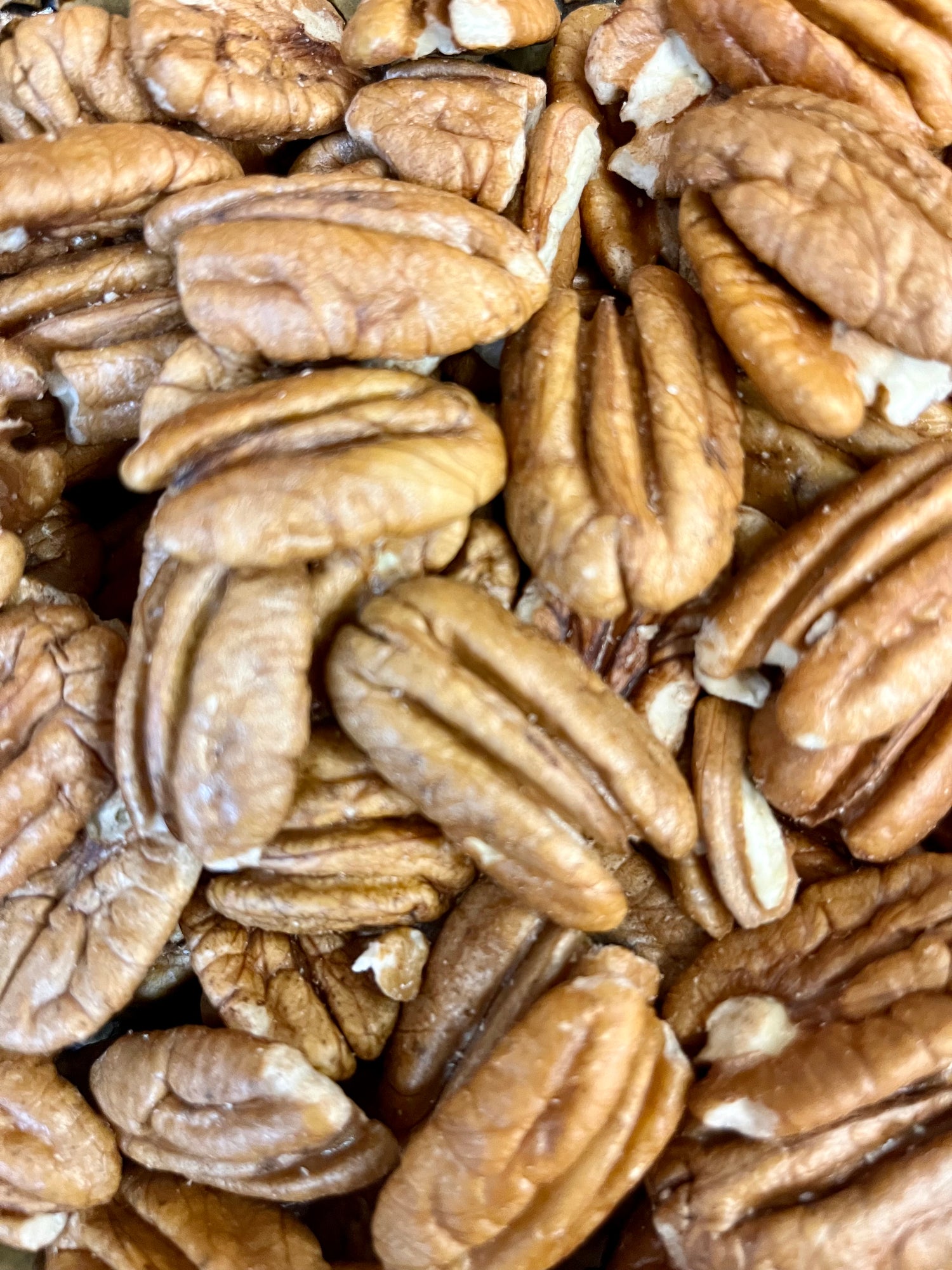
Premium Products
Our best-selling pecans and treats, available in bulk or by the bag.
Low Minimum Orders
Perfect for gift shops, farm markets, and specialty stores.
Reliable Turnaround Times
Efficient fulfillment — we make doing business easy.
Consistent Quality
The same great flavor and freshness, every single time.
wholesale@renfroe-pecans.com
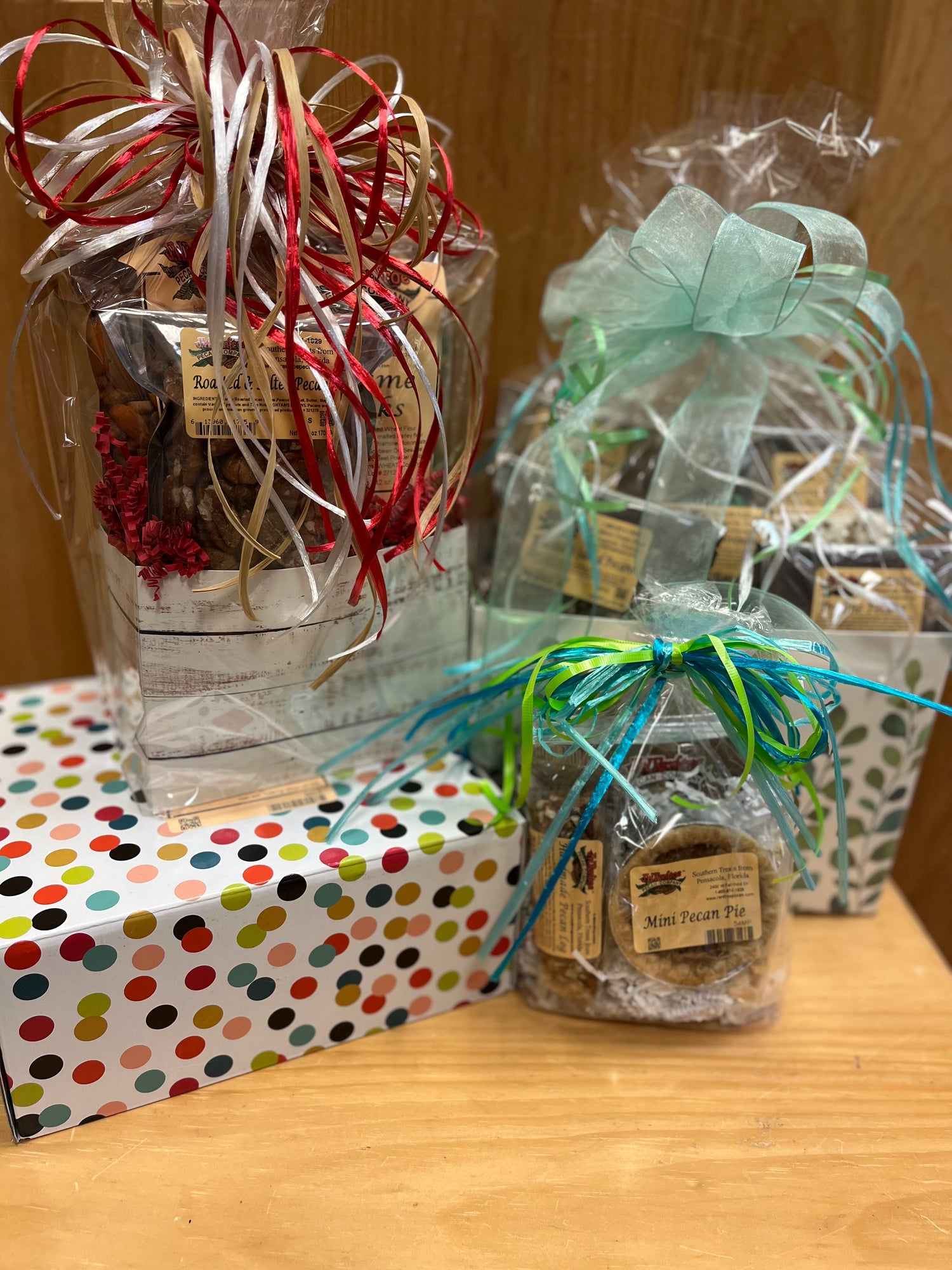
Handcrafted Selections
Natural pecans, candy-coated varieties, homemade fudge, and more.
Custom Branding Available
Add your logo, custom gift tags, or personalized packaging.
Handwritten Notes
Personal messages included for a meaningful touch.
Ready-to-Gift Packaging
No wrapping required — beautifully packed and presentation-ready.
corporategifts@renfroe-pecans.com
If you need a quick and easy-to-make appetizer, serve some savory stuffed mushrooms! This recipe uses simple ingredients that may... Read more

Make your New Year's Resolution easy! This healthy salmon recipe is delicious and filled with protein, healthy fats, and omega-3... Read more

A delightful salad with varying textures, sweet and savory notes, and very filling to boot. Read more
If you need a quick and easy-to-make appetizer, serve some savory stuffed mushrooms! This recipe uses simple ingredients that may... Read more
Make your New Year's Resolution easy! This healthy salmon recipe is delicious and filled with protein, healthy fats, and omega-3... Read more
A delightful salad with varying textures, sweet and savory notes, and very filling to boot. Read more
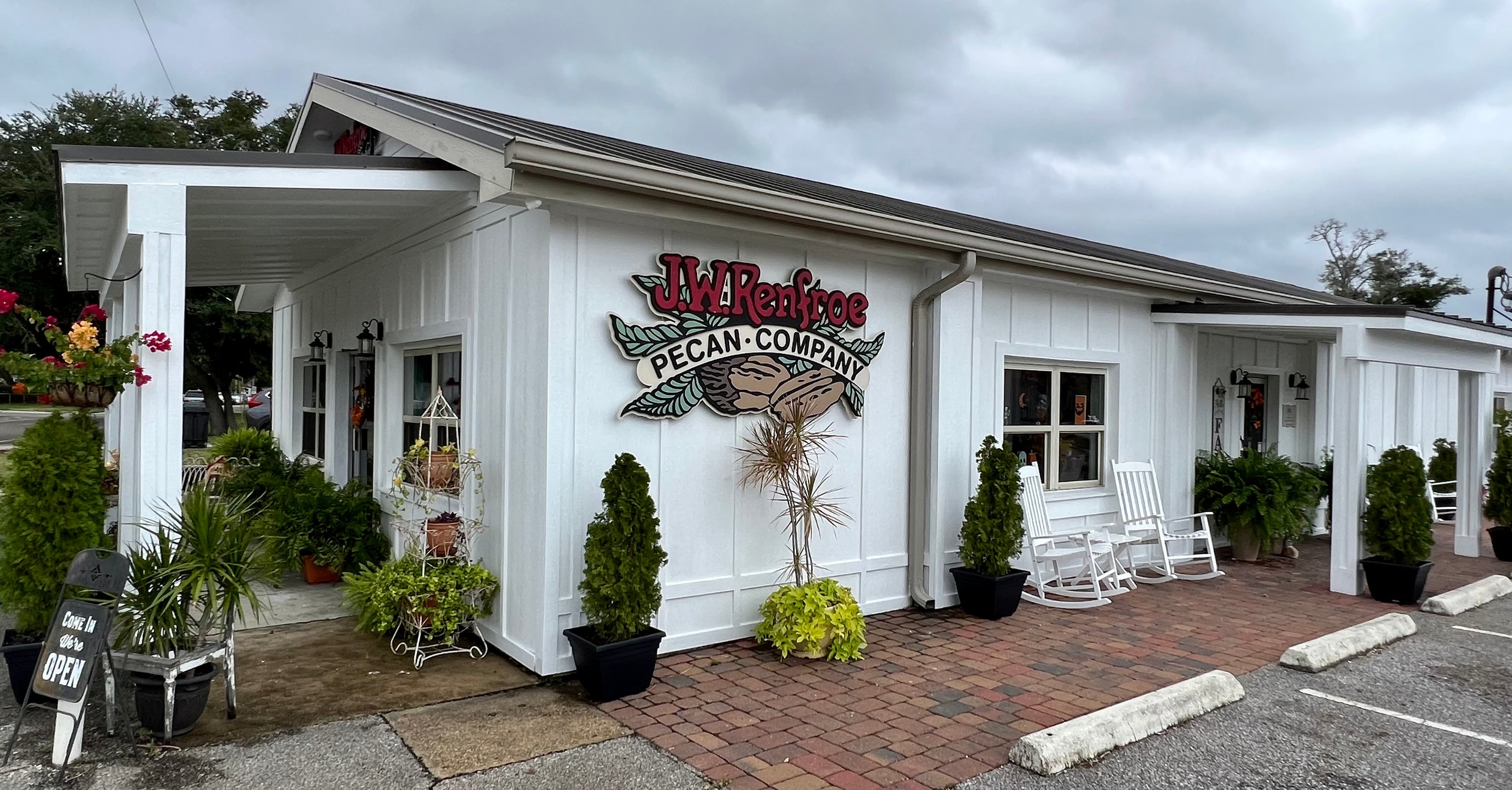
794 W. Main St.
Pensacola FL, 32502
Store Hours:
Monday-Saturday
10:00am to 5:00pm
Sunday
11:00am to 4:00pm

Fairfield Location 2400 W. Fairfield Dr.
Pensacola FL, 32505
850-432-2083
Store Hours
Monday-Saturday
10:00am - 5:00pm
Sunday
Closed